Discover, save, and import
Discover reachable equipment, retain discovery records, refresh values, review point capabilities, and import supported components. Network tools include a BBMD probe.
Integrations & Modules
Instead of replacing existing systems, PI creates a common operational environment above them — connecting devices and applications through the interfaces they already provide.
Centralize the systems you already have
Where a device or system provides an accessible control, command, API, or communications interface, PI can bring that capability into the Command Center.
Dedicated integration workspaces
Available workflows depend on the product, connection, configuration, and deployment. Confirm the target model and firmware during commissioning.
Discover reachable equipment, retain discovery records, refresh values, review point capabilities, and import supported components. Network tools include a BBMD probe.
Prepare a project-file import or fetch supported controller information, save discovery records, and review the device mapping before import.
Discover and register a bridge, review its lights, sensors, and groups, then prepare and import supported devices.
Pull or review supported SR configuration data, then import the lighting definitions into PI.
Use supported Roku discovery and polling to retrieve app, input, audio, channel, and media information for configured AV interfaces.
Choose an available network interface for supported connection instances and review saved server network observations when diagnosing changes.
Commissioning matters A workflow in the software does not establish compatibility with every product or replace testing with your installed hardware. See the commissioning checklist →
Integration readiness
A useful integration is more than a protocol name. Its scope should identify the target product, readable information, permitted controls, authentication, network path, data mapping, failure behavior, version support, and maintenance owner.
Record the manufacturer, model, firmware, API, protocol, and supported PI version.
Define the values, states, alarms, identifiers, and diagnostic information PI may read.
Identify authorized actions, parameters, acknowledgement behavior, and safety boundaries.
Document credentials, certificates, addressing, ports, segmentation, and connection lifecycle.
Map device data into PI and define timeouts, retries, offline states, and recovery behavior.
Assign documentation, testing, version review, support, and compatibility maintenance.
Use existing drivers first
When a compatible driver already exists, teams can select it from the available library, review its supported commands and feedback, and reuse it across authorized projects.
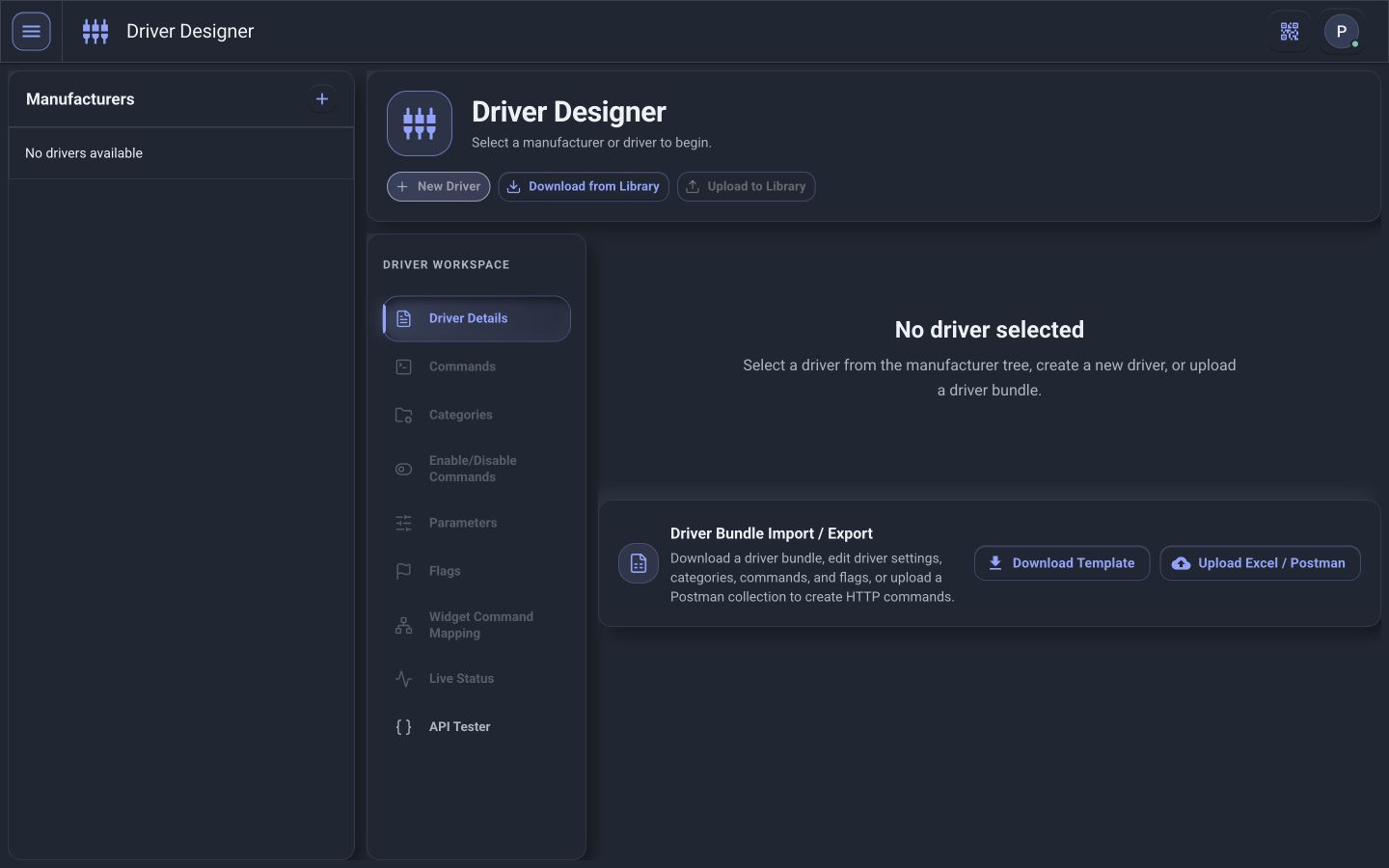
Search or browse available drivers by manufacturer, product, system, or supported interface.
Export compatible driver packages for backup, controlled sharing, or use on another authorized PI installation.
Import an existing driver package rather than recreating its commands, parameters, mappings, and feedback.
Confirm the driver version, target equipment, supported features, security requirements, and live operation before deployment.
Build around your workflow
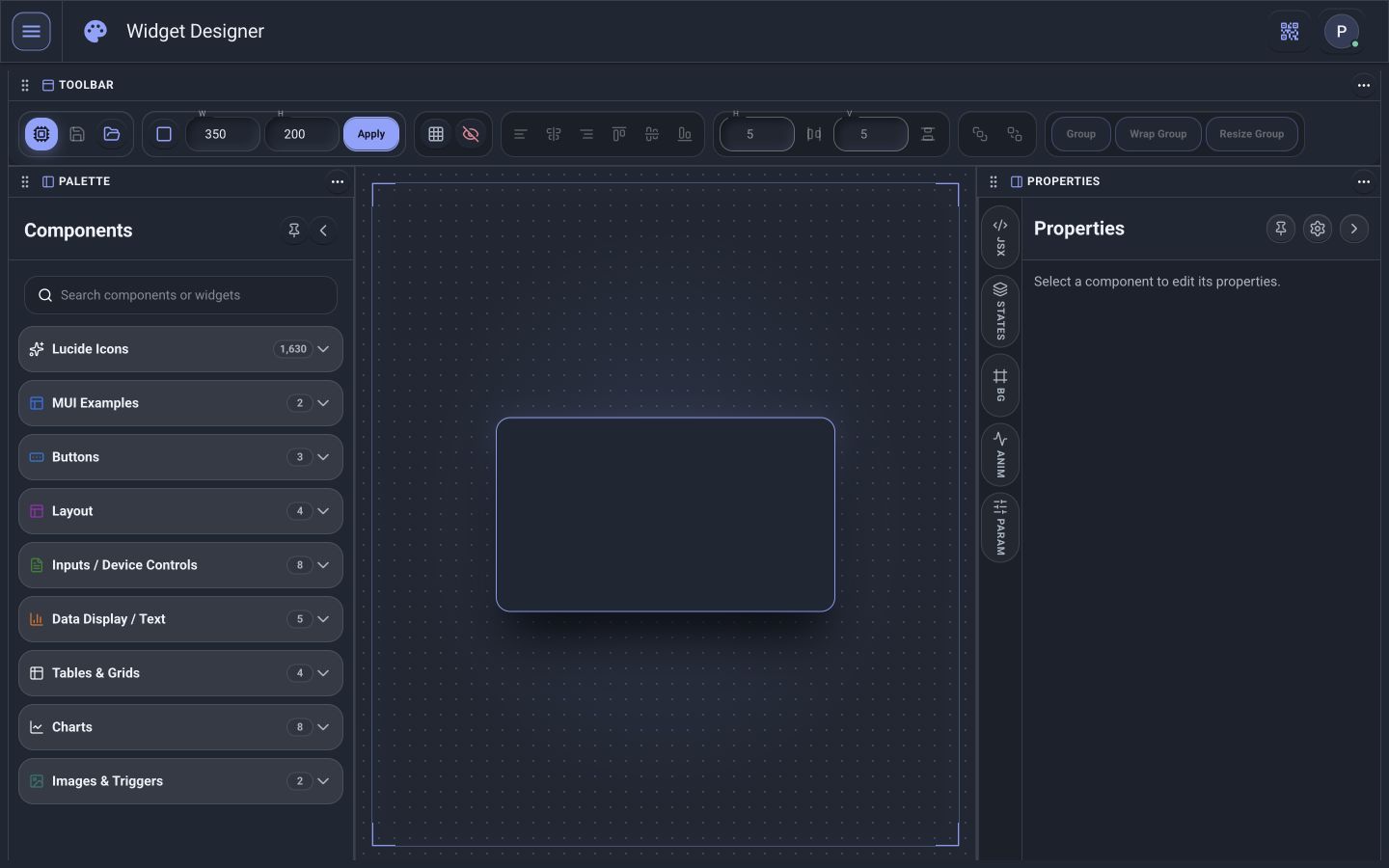
A corporate headquarters doesn’t operate like a hospital, broadcast facility, university, hotel, laboratory, or entertainment venue. Application-specific modules bring together the controls, information, diagnostics, and workflows that matter to a particular facility.
Example to configure: coordinate supported lighting, shades, temperature, and AV commands with the room-status information available in your installation.
Example to scope: evaluate available room status, lighting, environmental conditions, and communication checks before the space goes live.
See how your building is being used
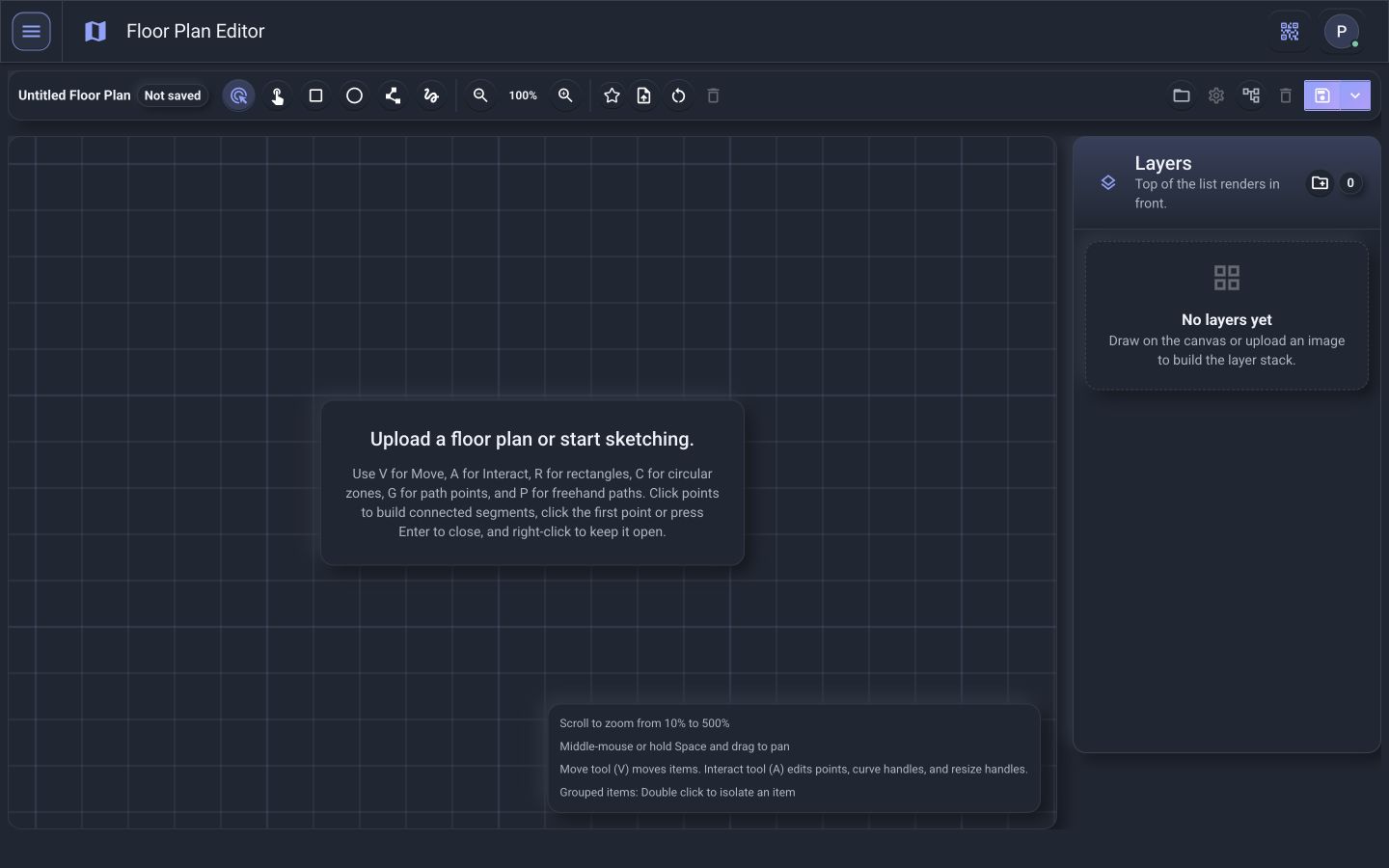
PI provides host-performance history and saved network observations for troubleshooting. Equipment trends, occupancy analytics, energy reports, and long-term retention should be scoped against the available source data and reporting requirements.
How often is this space actually being used?
When does occupancy typically begin?
Which areas remain active after hours?
How long is equipment running?
Are conditions repeatedly occurring before a failure?
Are schedules aligned with actual utilization?
Automate more than schedules
Building automation shouldn’t stop at turning equipment on at 8:00 AM and off at 6:00 PM. Configured tasks can run from calendar events or live-status triggers; group schedule profiles and saved mode flows organize normal-hours and after-hours operation.